
Meta Ads for Beginners: A Complete Step-by-Step Guide
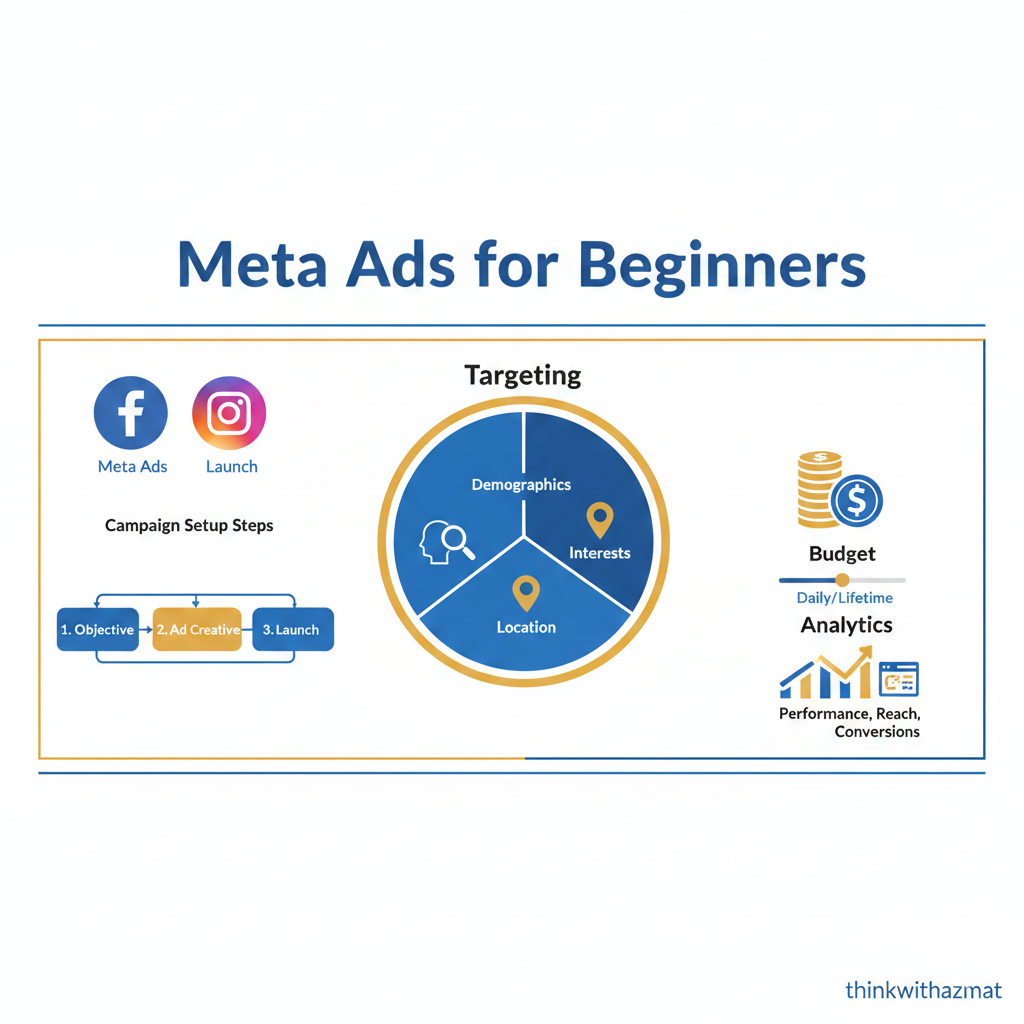
Meta Ads for Beginners is one of the most searched topics today as businesses and creators want quick, measurable results from Facebook and Instagram advertising. If you are new to paid ads and feel confused by terms like campaigns, ad sets, targeting, and bidding—this guide is for you.
In this step-by-step guide, you’ll learn what Meta Ads are, how they work, and how beginners can run effective Facebook and Instagram ads without wasting money. This guide is written in simple language for Indian and global beginners.
What Are Meta Ads?
Meta Ads are paid advertisements run on Facebook, Instagram, Messenger, and Audience Network using Meta’s advertising platform. These ads help businesses reach a specific audience based on demographics, interests, behavior, and intent.
For beginners, Meta Ads are powerful because:
- You can start with a small budget
- You get instant visibility
- You can track performance in real time
Meta Ads for Beginners are commonly used for:
- Lead generation
- Website traffic
- Brand awareness
- Sales and conversions
How Meta Ads Work
Meta Ads work on an auction-based system. Advertisers compete to show ads to users based on three main factors:
1. Bid
How much you are willing to pay for a result (click, lead, or conversion).
2. Estimated Action Rate
How likely a user is to take action after seeing your ad.
3. Ad Quality & Relevance
How relevant and engaging your ad is for the audience.
Meta automatically shows the best ad to users based on these factors—not just the highest bidder.
Meta Ads Manager Setup (Step-by-Step)
Setting up Meta Ads correctly is critical for beginners.
Step 1: Create Meta Business Manager
Go to Meta Business Suite and create your business account.
Step 2: Add Facebook Page & Instagram Account
Connect your Facebook Page and Instagram profile.
Step 3: Create Ad Account
Add billing details and currency.
Step 4: Install Meta Pixel
The Meta Pixel tracks website actions like purchases, sign-ups, and page views.
This Meta Ads setup guide ensures proper tracking and optimization from day one.
Meta Ads Campaign Objectives Explained
Choosing the right objective is one of the biggest challenges in Meta Ads for Beginners.
Awareness Objectives
Used for brand visibility and reach.
Traffic Objectives
Send users to your website or landing page.
Engagement Objectives
Increase likes, comments, shares, and video views.
Leads & Sales Objectives
Generate leads or drive conversions using forms or websites.
👉 Beginners should start with Traffic or Lead Generation objectives.
Audience Targeting for Beginners
Meta Ads targeting allows you to show ads to the right people.
1. Core Audiences
Target users based on age, location, interests, and behavior.
2. Custom Audiences
Retarget website visitors, Instagram engagers, or email lists.
3. Lookalike Audiences
Find new users similar to your existing audience.
For beginners, start with simple interest-based targeting and expand later.
Meta Ads Budget and Bidding Basics
Meta Ads budget and bidding can be confusing, but it doesn’t have to be.
Daily Budget vs Lifetime Budget
- Daily: Spend a fixed amount per day
- Lifetime: Spend over the campaign duration
Bidding Strategies
- Lowest cost (recommended for beginners)
- Cost cap (advanced users)
Start small, test ads, and scale gradually.
Ad Creatives and Copy Tips for Beginners
Your ad creative decides success more than targeting.
Best Creative Tips
- Use clear visuals
- Show the product or benefit
- Add short, simple text
- Include a strong CTA (Call to Action)
Copywriting Tips
- Talk about the user’s problem
- Highlight benefits, not features
- Keep sentences short
Common Meta Ads Mistakes Beginners Make
Avoid these beginner mistakes:
- Running ads without Meta Pixel
- Choosing wrong campaign objectives
- Targeting too many interests
- Not testing multiple creatives
- Stopping ads too early
Learning from these mistakes can save money and improve performance.
Tips to Improve Meta Ads Performance
- Test 2–3 creatives per ad set
- Analyze CTR, CPC, and conversions
- Refresh creatives every 10–14 days
- Focus on one objective at a time
Meta Ads for Beginners work best with testing and patience.
Conclusion:
Meta Ads for Beginners can feel overwhelming at first, but once you understand the basics, they become one of the most powerful digital marketing tools. By learning how Meta Ads work, choosing the right objectives, targeting the correct audience, and optimizing creatives, beginners can achieve excellent results even with a small budget.
The key is to start simple, test consistently, and improve step by step. With practice, Meta Ads can drive traffic, leads, and sales effectively.
If you interested in digital marketing then read this blog: What is Digital Marketing? A Beginner’s Guide for 2026